Bluetooth Low Energy remote control
The BLE multitool for robot control
Your phone becomes a gamepad. SPIKE, MINDSTORMS, ESP32, micro:bit — or anything that speaks Bluetooth Low Energy. You write two lines that map sticks to motors. Free to download. No ads.
iOS App Store — coming soon

-
Universal controls Thumbsticks, buttons, D-pad, trims, and triggers — a full gamepad on the phone.
-
Two-way communication Get text or live video back from the robot while you drive.
-
Direct BLE connection Tiny packets. No cloud. No lag.
Two lines. Or blocks.
BlueMote is not a robot-specific app. You simply tell the the robot how to respond to stick values and buttons. This setup is versatile, and the link feels lagless — because it is simple.
Works with the btbricks RCReceiver on MicroPython, the MakeCode extension for micro:bit V2, and any device that implements Nordic UART. micro:bit V1 does not have enough memory for BLE.
turn, speed = rcv.controller_state(L_STICK_HOR, L_STICK_VER)
drive(speed, turn)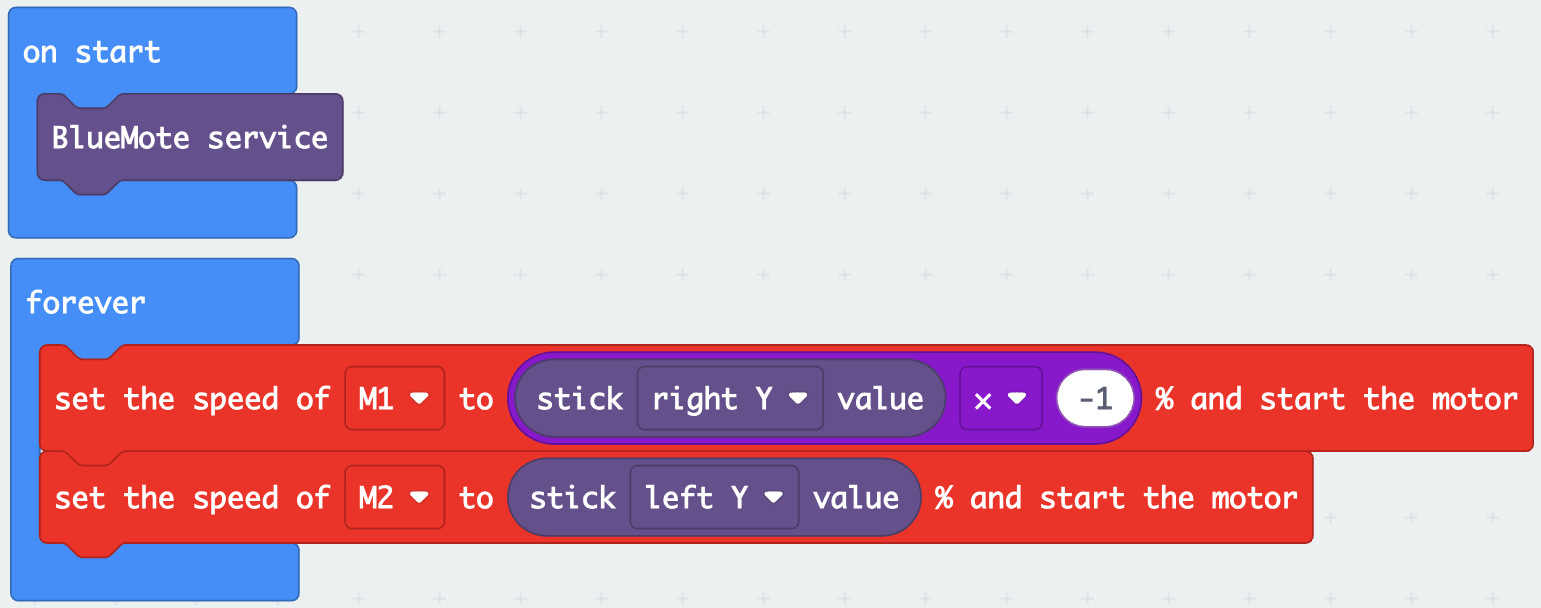
One app. Many robots.
With extensitons, libraries, and examples, BlueMote works with many platforms.
- SPIKE Prime
- MINDSTORMS
- LMS-ESP32
- ESP32
- micro:bit V2
- OpenMV
See it drive
Live video on the gamepad, a MINDSTORMS hot rod, and a servo spider on LMS-ESP32.
The tool
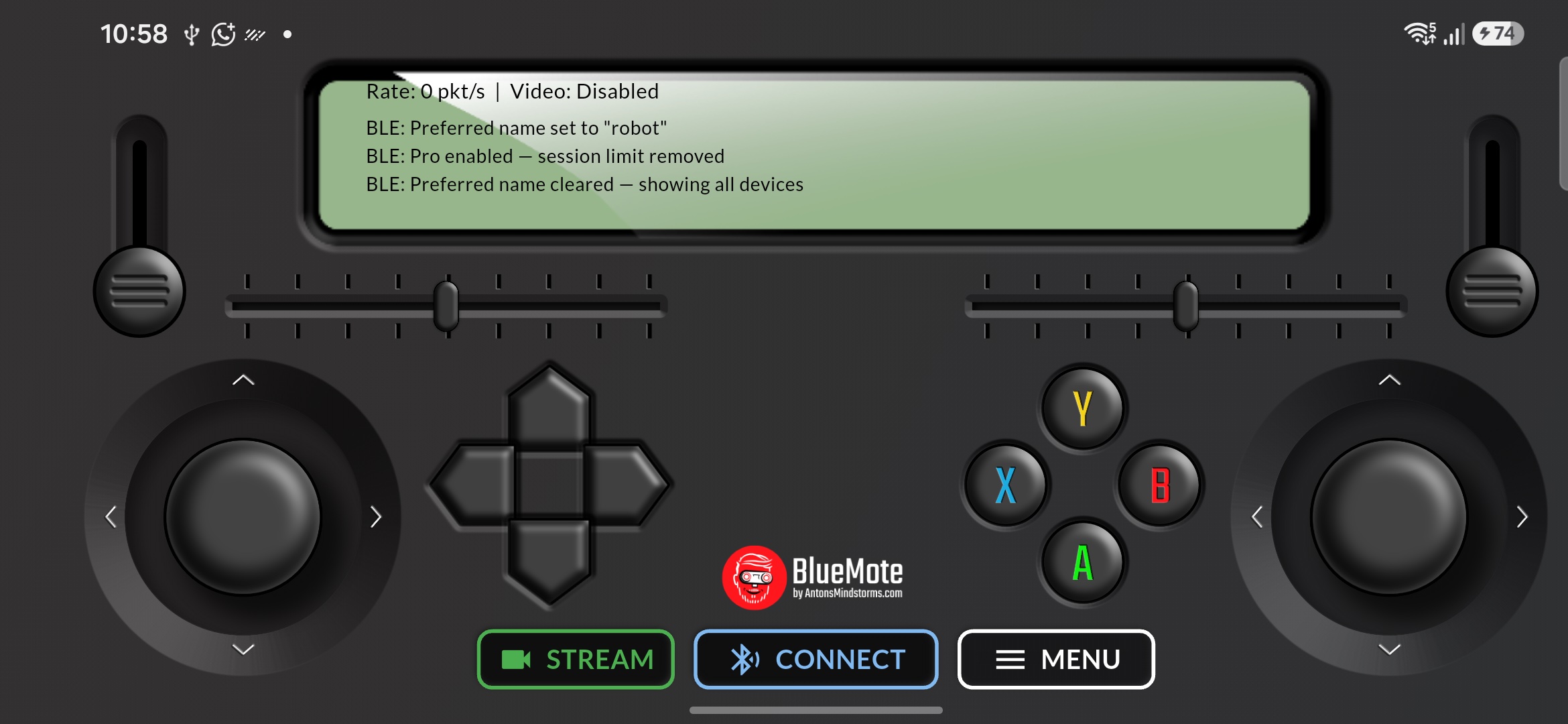
Dual analog sticks, D-pad, ABXY, triggers, sliders. Landscape, made for thumbs.
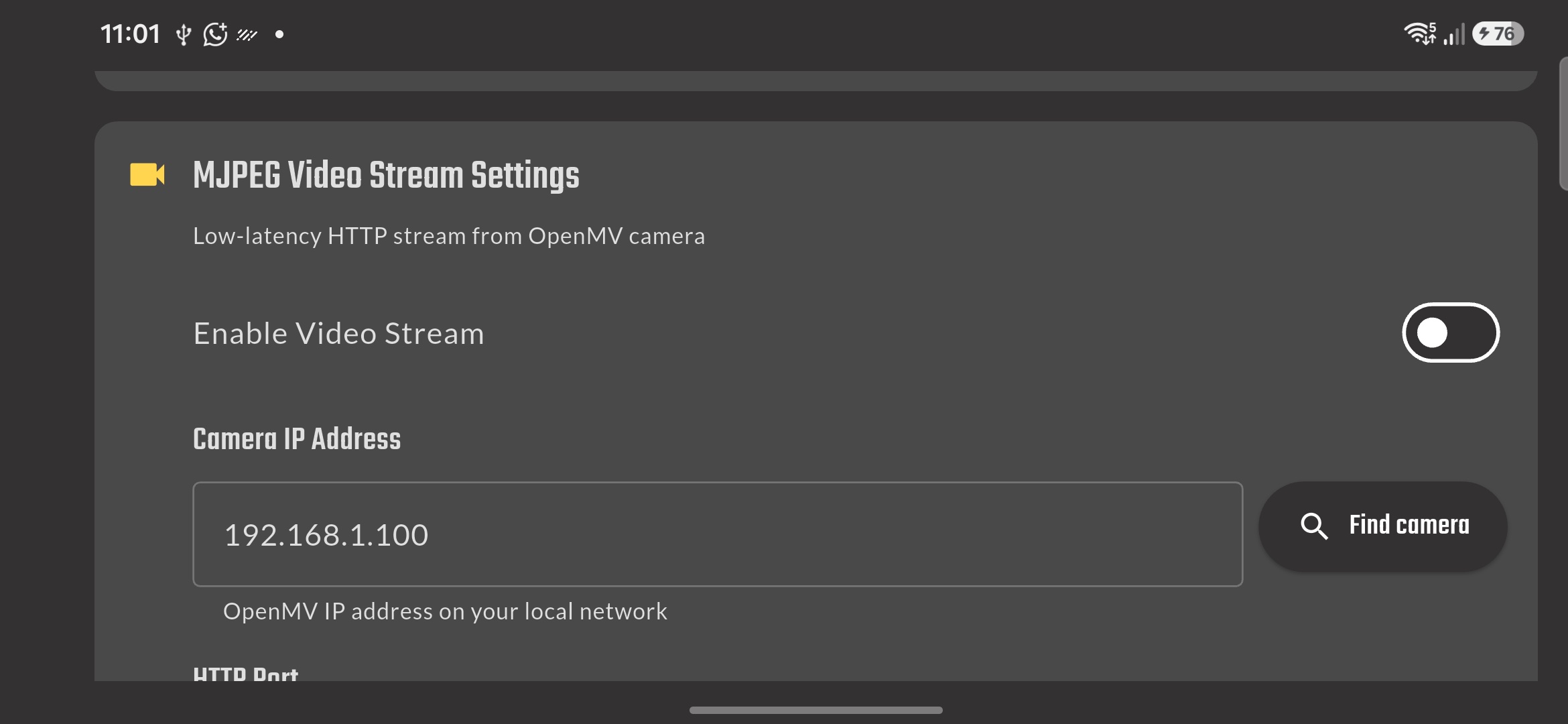
Streaming video
Enable MJPEG and the camera feed sits behind the controls at half opacity. Drive with the sticks, see what the robot sees. Separate from BLE — the radio stays free for the packets.
Documentation and examples
Setup guides and builds on Anton's Mindstorms. Start with the protocol, then pick a robot.
-
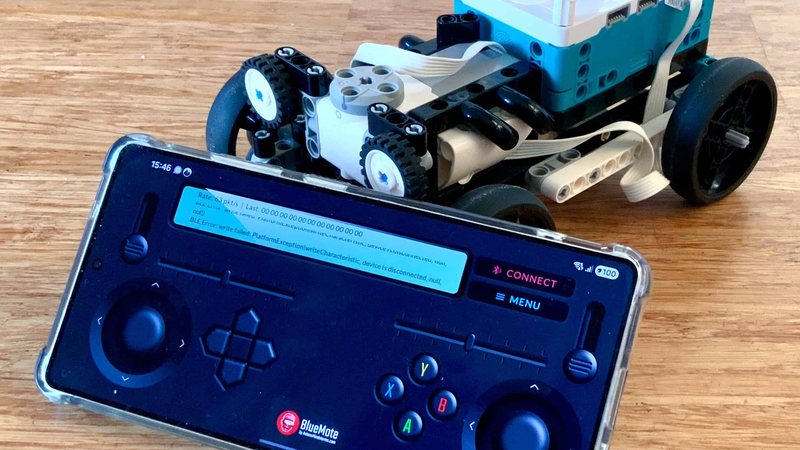 BlueMote app docs
RCReceiver setup, stick values, and how the BLE packet is shaped.
BlueMote app docs
RCReceiver setup, stick values, and how the BLE packet is shaped.
-
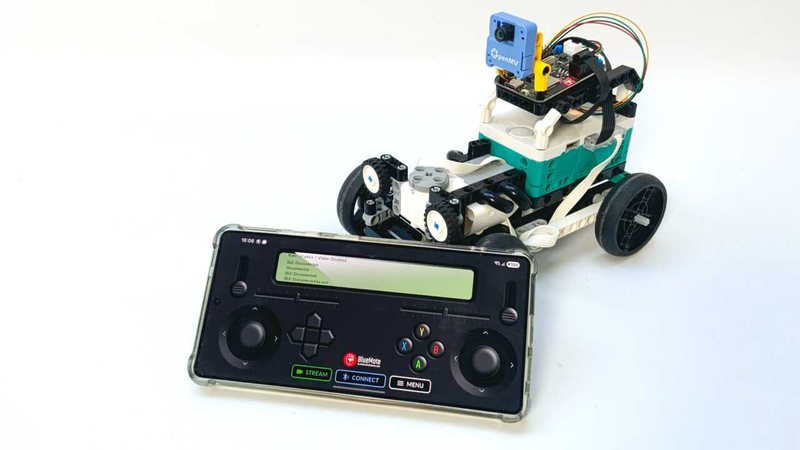 Drive with live video
BlueMote plus OpenMV MJPEG — FPV while you steer.
Drive with live video
BlueMote plus OpenMV MJPEG — FPV while you steer.
-
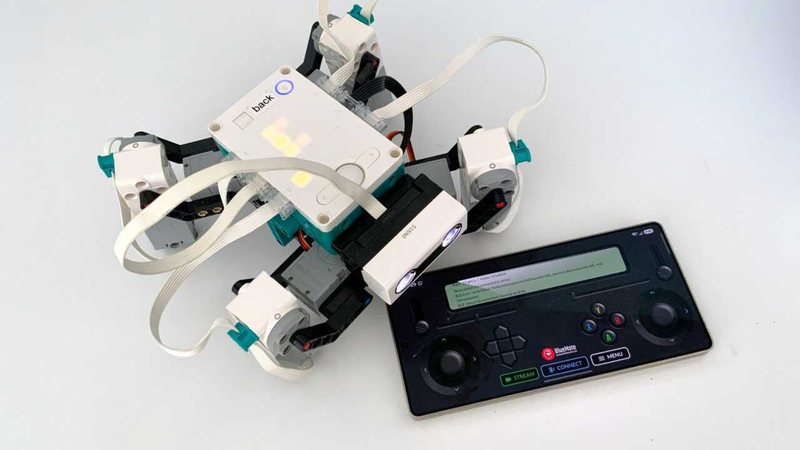 Servo spider over the phone
LMS-ESP32 MicroPython bridge, uRemote on the hub, BlueMote in your hand.
Servo spider over the phone
LMS-ESP32 MicroPython bridge, uRemote on the hub, BlueMote in your hand.
-
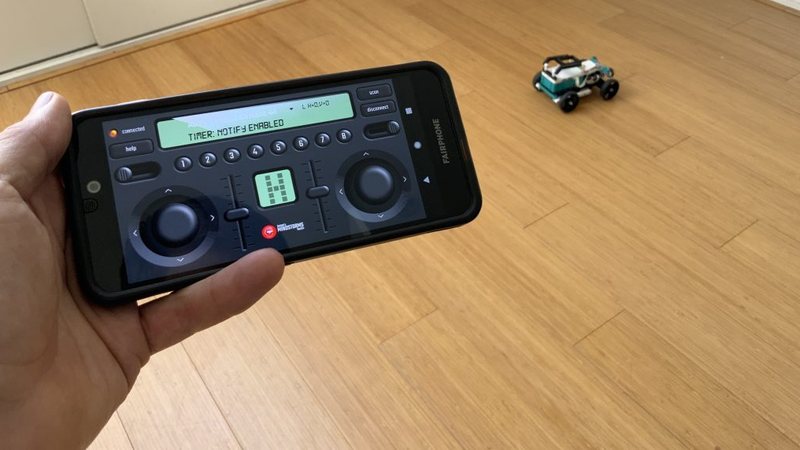 MINDSTORMS Robot Inventor car
Python on the hub, lagless BLE from the phone.
MINDSTORMS Robot Inventor car
Python on the hub, lagless BLE from the phone.
-
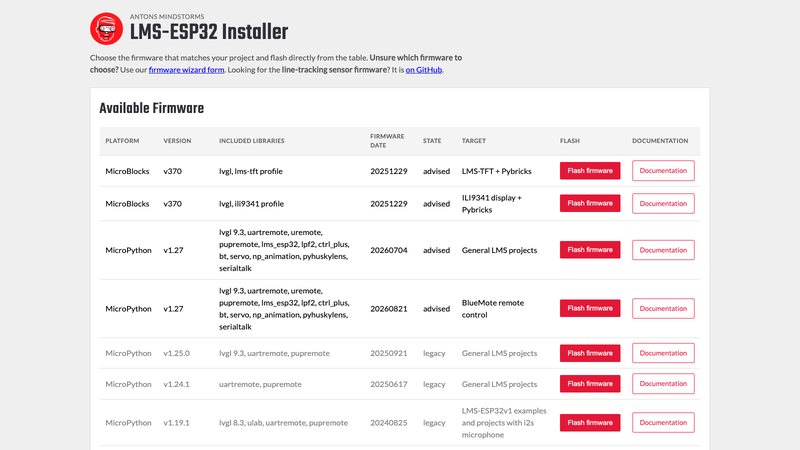 LMS-ESP32 MicroPython firmware
Flash the board that talks to BlueMote, Pybricks, and OpenMV.
LMS-ESP32 MicroPython firmware
Flash the board that talks to BlueMote, Pybricks, and OpenMV.
Free to download. No ads.
Drive what you build.
Android is on Google Play. iOS is next. A one-time Pro unlock removes the daily drive limit and lets you name a specific robot.
iOS App Store — coming soon